Basic Platform Overview
The starting page is the home page. The home page will show a welcome message, display custom shortcut buttons and widgets if set. When the platform is first setup there will be no shortcuts nor widgets displayed. Customising your homepage with shortcuts and widgets will be discussed in later tutorials.
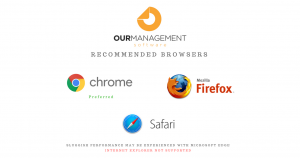
The managements tools available in the platform are called modules. These modules can be accessed by opening the left-side menu panel by clicking the menu icon in the top left hand corner and then clicking the corresponding module. The side menu will also show the client database you have logged into and your contact name. Our Management has been built to work on both desktop and mobile browsers. The display will automatically based on the environment it is in. For users accessing the service through a web-browser for best experience and performance we recommend using the following web-browsers.